
Run Forgejo on a VPS with Docker Compose and HTTPS
Stand up a lightweight self-hosted Git service with Forgejo, keep its data persistent, proxy it over HTTPS, and avoid turning your code forge into a fragile pet server.
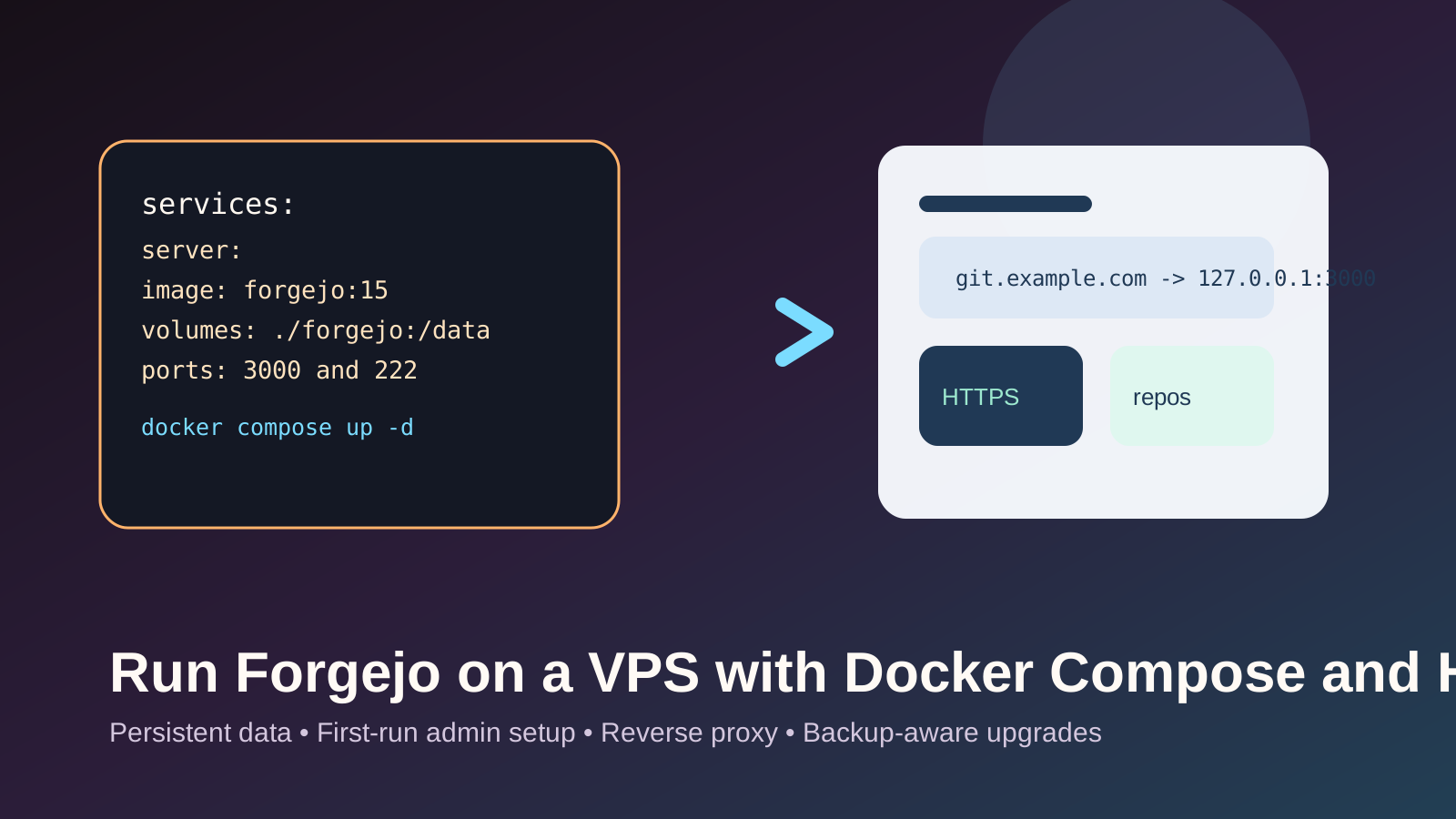
How to deploy Forgejo with Docker Compose, persist data, finish the first-run admin setup, and place it behind an HTTPS-capable reverse proxy.
Small teams, personal infrastructure, and self-hosters who want a lightweight forge without handing source control to a third-party SaaS.
The biggest mistake is treating Git data like disposable app state. A forge needs persistent storage, backups, and careful upgrades from day one.
Before you begin
- A VPS with Docker Engine and Compose V2 already working.
- A DNS record such as
git.example.compointing at the VPS. - A plan for SSH access to repositories, whether through Forgejo's built-in SSH port or an alternative transport.
- A backup destination for repository data and configuration.
Forgejo's Docker install docs currently show a small Compose baseline with codeberg.org/forgejo/forgejo:15, a bind-mounted data
directory, 3000:3000 for web traffic, and 222:22 for SSH. The same docs also note that if you do not configure a
separate database, Forgejo defaults to SQLite.
Step 1: Create a clean Forgejo project layout
Create a dedicated directory for the service:
mkdir -p ~/forgejo-stack/forgejo
cd ~/forgejo-stack
For a first deployment, the simplest honest assumption is one Forgejo container with its persistent data in ./forgejo. That keeps the
filesystem layout understandable and makes backups easier to reason about.
If you want to follow the upstream container ownership expectations, set the directory owner now:
sudo chown -R 1000:1000 ./forgejoStep 2: Write the Compose file
Start with the small upstream pattern and keep SQLite for the first deployment:
services:
  server:
    image: codeberg.org/forgejo/forgejo:15
    container_name: forgejo
    environment:
      - USER_UID=1000
      - USER_GID=1000
    restart: always
    volumes:
      - ./forgejo:/data
      - /etc/localtime:/etc/localtime:ro
    ports:
      - "3000:3000"
      - "222:22"
SQLite is acceptable for a small single-instance forge. If you later need external database operations, the Forgejo docs show PostgreSQL and MySQL variants, but that complexity is optional for a first working deployment.
3000 as your final setup. Use it only for initial local or
private verification, then put an HTTPS reverse proxy in front of it.
Step 3: Launch Forgejo and finish first-run setup
Validate the Compose config, then start it:
docker compose config
docker compose up -d
docker compose ps
docker compose logs --tail=50
Upstream docs say you should then browse to http://localhost:3000 for onboarding. If you are remote, use SSH port forwarding or
another private path first:
ssh -L 3000:127.0.0.1:3000 user@example.comDuring first-run setup:
- Set the site URL to the final public hostname you plan to use.
- Create the first administrator account intentionally.
- Confirm the data directory is writable before importing repositories or inviting other users.
Step 4: Put HTTPS in front of it
Use a reverse proxy such as Caddy or Nginx to terminate HTTPS and forward traffic to Forgejo on 127.0.0.1:3000. A minimal Caddy
example looks like this:
git.example.com {
  reverse_proxy 127.0.0.1:3000
}
If you use Caddy, automatic HTTPS works only when DNS already points at the VPS and inbound ports 80 and 443 are
reachable.
If you intend to use Git over SSH, keep track of the published SSH port too. The upstream Compose example maps host port 222 to
container port 22. Tell users the real clone form explicitly, for example:
git clone ssh://git@git.example.com:222/owner/repo.gitStep 5: Define backups and upgrade habits
Your minimum backup scope is not negotiable:
- the
./forgejodata directory - the Compose file and any proxy config
- the DNS and HTTPS assumptions required to bring the service back online
For upgrades, pin the major version deliberately. Forgejo's docs note that moving from one major to the next requires manual operation and human verification, even if minor releases within the same major can be updated more easily.
A safer update loop is:
docker compose pull
docker compose up -d
docker compose logs --tail=100
Do that only after a fresh backup or snapshot and a quick rollback plan.
Rollback notes
If an update goes badly, the fastest recovery is usually to revert the image tag and restart the container against the same data volume, assuming the data format has not already been migrated beyond the prior version.
That is why major-version jumps deserve extra caution. A good rollback plan is not just “redeploy the old image.” It also includes verifying the upgrade did not change the data in a one-way direction.
Troubleshooting
The container starts, but the web UI never loads.
Check docker compose logs, confirm port 3000 is listening, and verify that the data directory ownership is compatible with the configured UID and GID.
HTTPS works but clone URLs are wrong.
Re-check the public site URL and SSH settings from the first-run configuration so Forgejo generates links that match your real hostname and port.
The service works, but repositories disappear after redeploy.
Confirm you are using a persistent bind mount or named volume instead of ephemeral container storage.
You need a stronger database path later.
Move to PostgreSQL or MySQL only when you have a real operational reason. The upstream docs provide those examples, but SQLite is the simpler honest baseline for one small node.